A shocking clip of a celebrity is spreading on your timeline. Is it real? Knowing how to spot a deepfake has become an essential skill, because AI tools now make fake videos, voices and images easier to produce than ever. This checklist gives you eight practical steps to verify viral content before you share it.
Key Takeaways
- No single sign proves a video is fake. Use several checks together.
- Detection tools can make mistakes, so do not rely on them alone.
- Always check the source and whether fact-checkers have already covered the clip.
- If you cannot verify it, do not share it.
Why Fake Viral Content Spreads So Fast
Viral clips are built to trigger emotion: shock, anger, or curiosity. That emotional reaction makes people share before they think. When the clip involves a well-known name, it travels even faster, which is why entertainment and influencer news is a common target for fake or manipulated media.
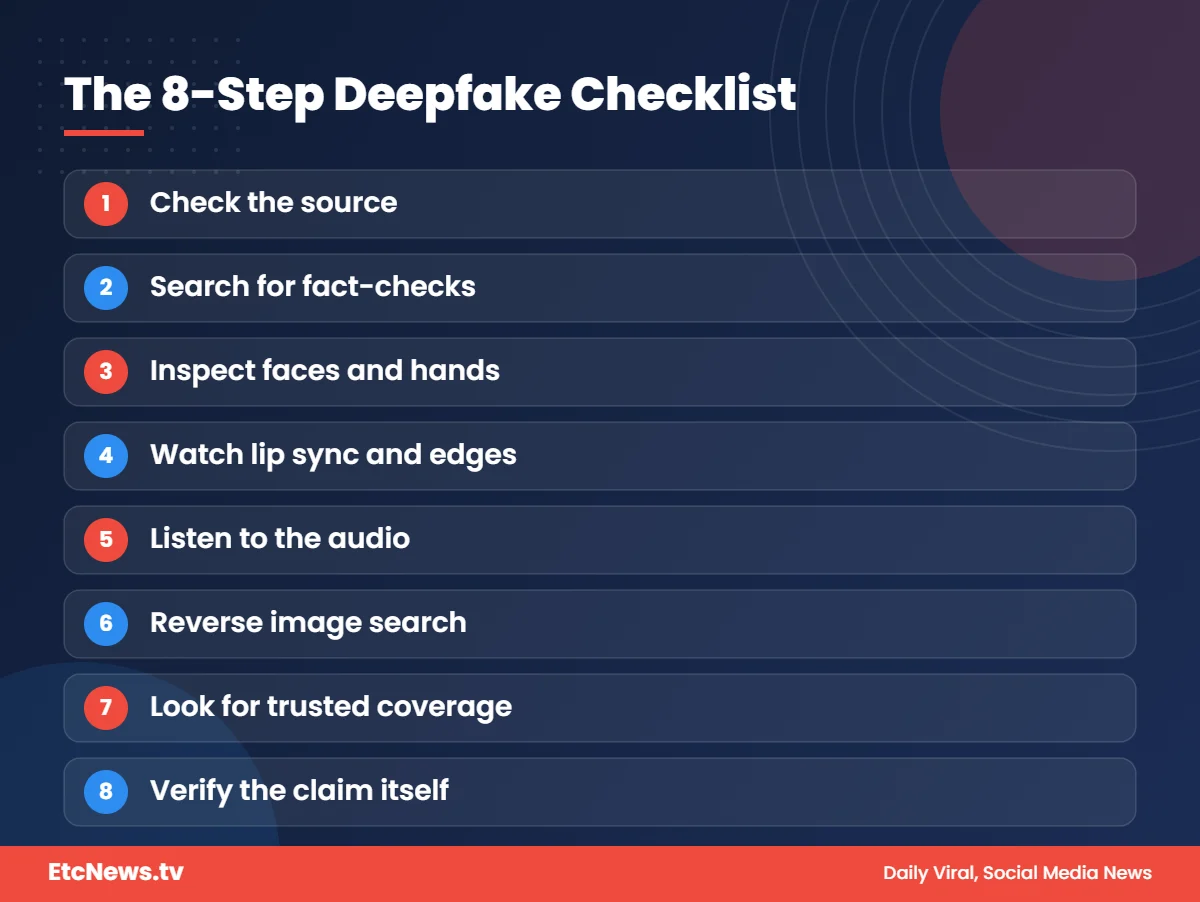
The 8-Step Deepfake Checklist
1. Check the source first
Who posted it? Newly created accounts, anonymous pages and accounts that post lots of similar sensational content deserve suspicion. Look for the original uploader, not just the account that reshared it.
2. Search for fact-checks
Independent fact-checkers may already have investigated the clip. Search the main claim along with the word “fact check” before believing or sharing.
3. Look closely at faces and details
AI-generated images and videos often struggle with fine details. Check hands and fingers, eyes, teeth, shading, jewelry, text on signs, and background objects for warped or inconsistent shapes.
4. Watch lip sync and edges
Poor lip-sync, blurry edges around the face or hairline, and flickering skin tone are common signs that a face has been swapped or edited.
5. Listen to the audio
Synthetic voices can have unnatural intonation, odd pauses, strange word choices or irregular breathing. Sometimes fake audio is placed over genuine footage, so check that sound and picture truly match.
6. Use reverse image or video search
Take a screenshot of a key frame and run a reverse image search. It can reveal when and where the visual first appeared, and whether it comes from an older, unrelated event.
7. Check whether trusted outlets report it
If something major really happened, credible news organizations will usually report it. If only random pages are posting, be cautious.
8. Verify the claim itself
AI text tools can also invent facts. Check names, dates and quotes against reliable sources rather than trusting a caption or a screenshot of a post.
Quick Reference Table
| Warning sign | What to do |
|---|---|
| Brand-new or anonymous account | Find the original source |
| Warped hands, eyes or backgrounds | Pause the video and zoom in |
| Robotic or oddly timed voice | Compare with known genuine recordings |
| Shocking claim, no coverage elsewhere | Search credible news and fact-check sites |
| Cannot find the original upload | Reverse image search a screenshot |
What to Do If You Find a Fake
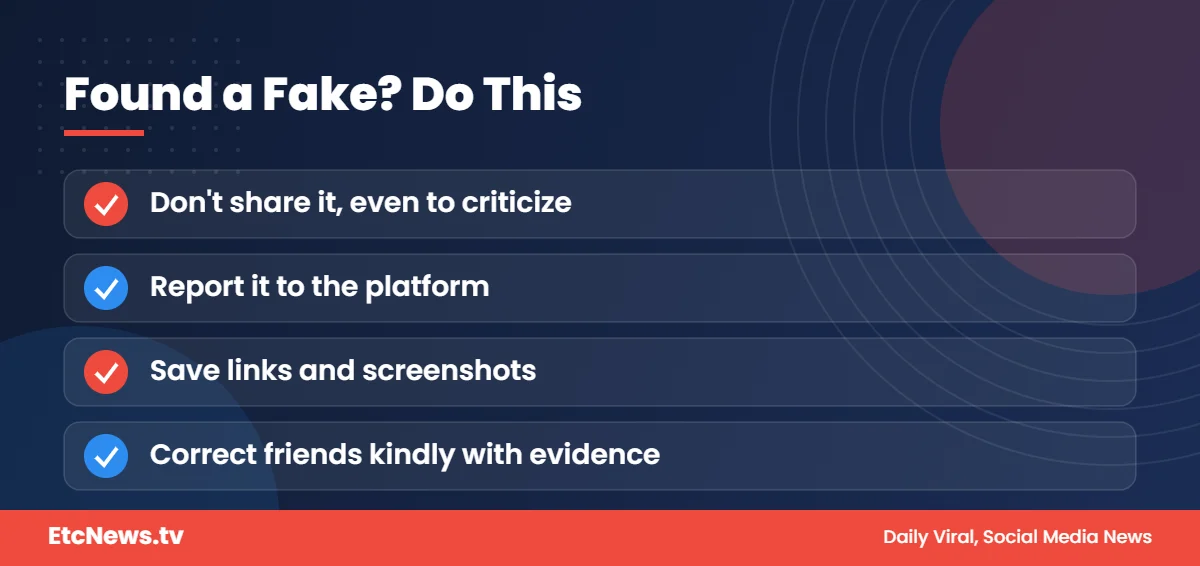
- Do not share it, even to criticize it, because that spreads it further.
- Report it to the platform using the misinformation or impersonation option.
- If it targets someone you know, encourage them to report it and save evidence such as links and screenshots.
A Note on Fairness
Even real people are sometimes wrongly accused by edited clips. Treating unverified viral claims as facts can harm reputations. At EtcNews.tv we encourage readers to wait for confirmation before drawing conclusions about anyone, and our Celebrity News readers can contact us if they spot something inaccurate.
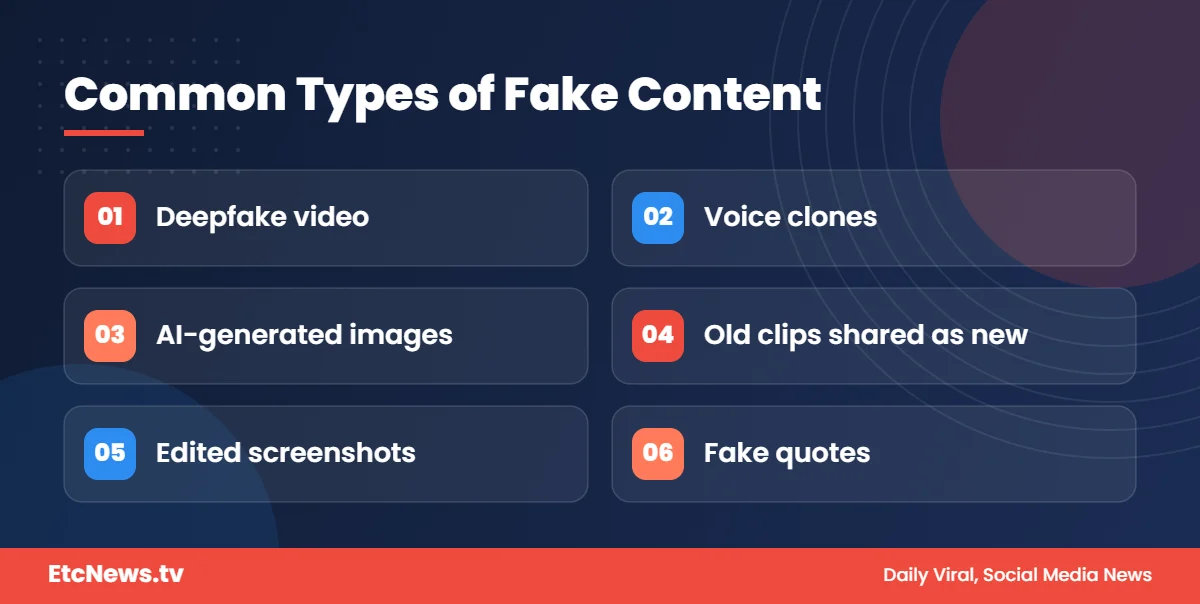
Common Types of Fake Viral Content
Not every misleading clip is a deepfake. Knowing the different types helps you know what to check:
- Deepfake video: one person’s face or body is digitally replaced with another’s.
- Voice clones: AI-generated audio that imitates a real person’s voice, often used in scam calls and fake “leaked” recordings.
- AI-generated images: fully synthetic photos of events that never happened.
- Out-of-context clips: a real video from years ago, or from another country, shared as if it is new.
- Edited screenshots: fake tweets, chats or posts made to look like they came from a real account.
Out-of-context clips are often more common than true deepfakes, which is why reverse search and checking dates are so important.
Why Celebrities and Influencers Are Targeted
Well-known people have lots of public photos, videos and voice recordings online. That makes it easier for bad actors to build convincing fakes. Fake content about famous people also attracts clicks, which can be used to grow fake pages, spread scam links or damage a reputation.
Female creators in particular have been targeted with manipulated images, which can cause serious personal harm. Refusing to share such content is one of the simplest and most effective ways to protect people.
Free Tools That Can Help
You do not need special software to verify most content:
- Reverse image search engines let you upload a screenshot to find earlier copies.
- Video keyframe tools split a video into still images you can reverse search.
- Fact-checking websites regularly publish investigations into viral claims.
- Platform labels and community notes sometimes add context to misleading posts.
Remember that tools assist your judgment. They do not replace it.
How to Talk to Family and Friends About Fake Videos
Many fake clips spread through family WhatsApp groups, where people trust whoever forwarded the message. Correcting someone can feel awkward, but it can be done kindly:
- Stay polite. Instead of “this is fake,” try “I checked this and found it’s an old video from another event.”
- Share the evidence, such as a fact-check link or the original source.
- Explain the method, such as reverse image search, so they can check next time.
- Do not shame anyone. Anyone can be fooled by a convincing fake.
Small, respectful corrections help slow down misinformation for everyone in the group.
How to Spot a Deepfake: Quick Summary
If you only remember one thing about how to spot a deepfake, remember this: check the source before you check the pixels. Most fake viral videos are exposed by finding the original upload, an earlier copy, or a fact-check, not by spotting tiny glitches. Visual clues are useful, but AI tools are improving, so the habit of verifying sources is what protects you in the long run.
Teaching others how to spot a deepfake is just as valuable. Share this checklist with family members, especially those who receive lots of forwarded videos on messaging apps.
Frequently Asked Questions
Can AI detection tools always spot deepfakes?
No. Detection tools can make mistakes, so use them as one clue alongside source checks and fact-checking.
What is the easiest way to check a viral photo?
Run a reverse image search to see where else and when the image appeared online.
What are common signs of an AI-generated image?
Distorted hands, strange eyes, inconsistent shading, and garbled background details are common clues.
Should I share a clip to ask whether it is real?
It is better to verify first. Sharing, even with a question, helps unverified content spread.
Is an old video shared as new considered fake news?
Yes. Out-of-context clips are one of the most common forms of misinformation, even when the video itself is real.
Conclusion
Slow down, check the source, look closely, and verify before you share. A few extra seconds can stop misinformation in its tracks. Explore more trending stories in our Celebrity News section.




1 comment